Tap to Pay
Take card payments on your phone
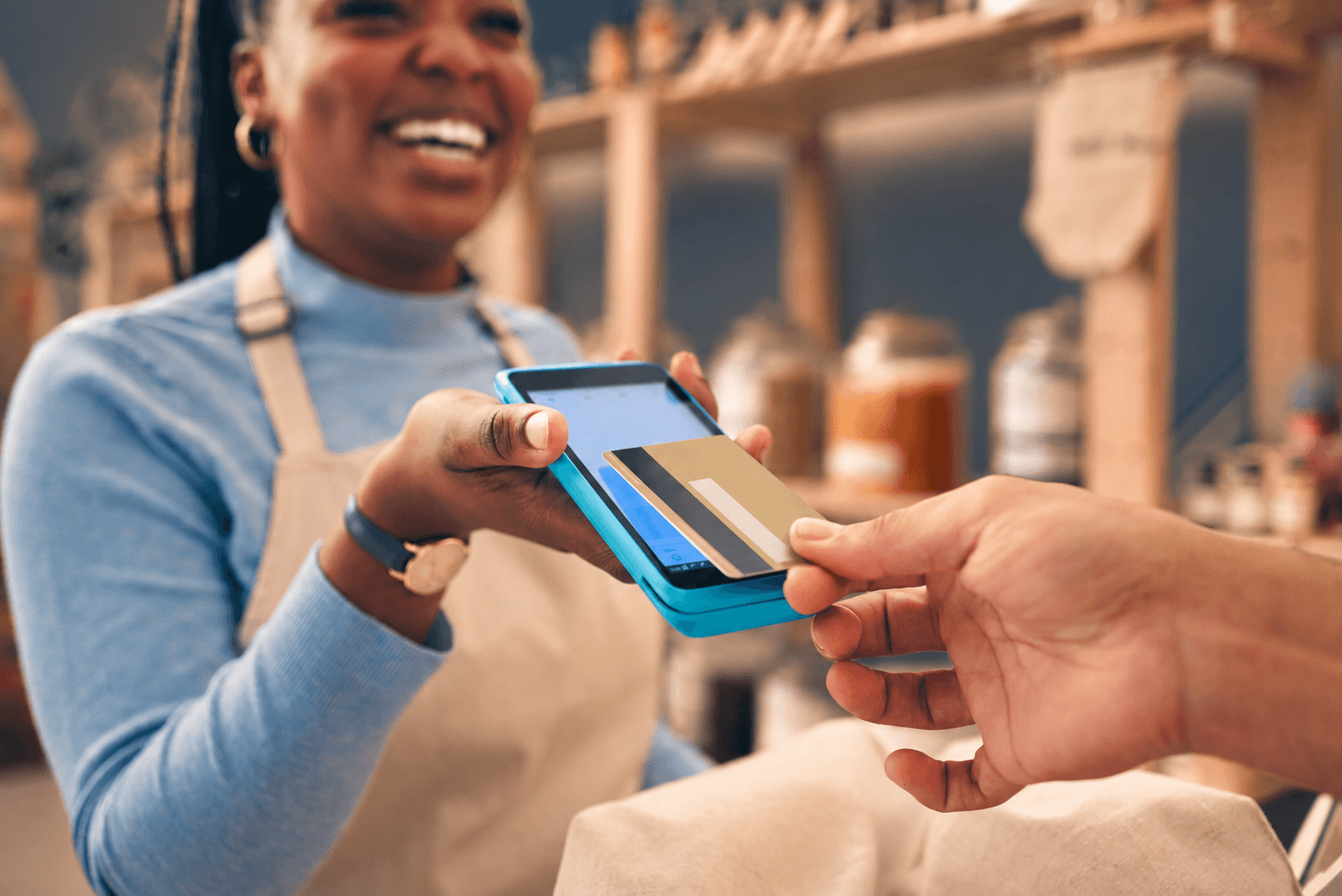
Open the invoice, tap Charge, and choose Tap to Pay. Your client holds their card or phone against the back of yours and the payment goes through. You do not need a separate card reader.
Invoices
Every visit gets an invoice
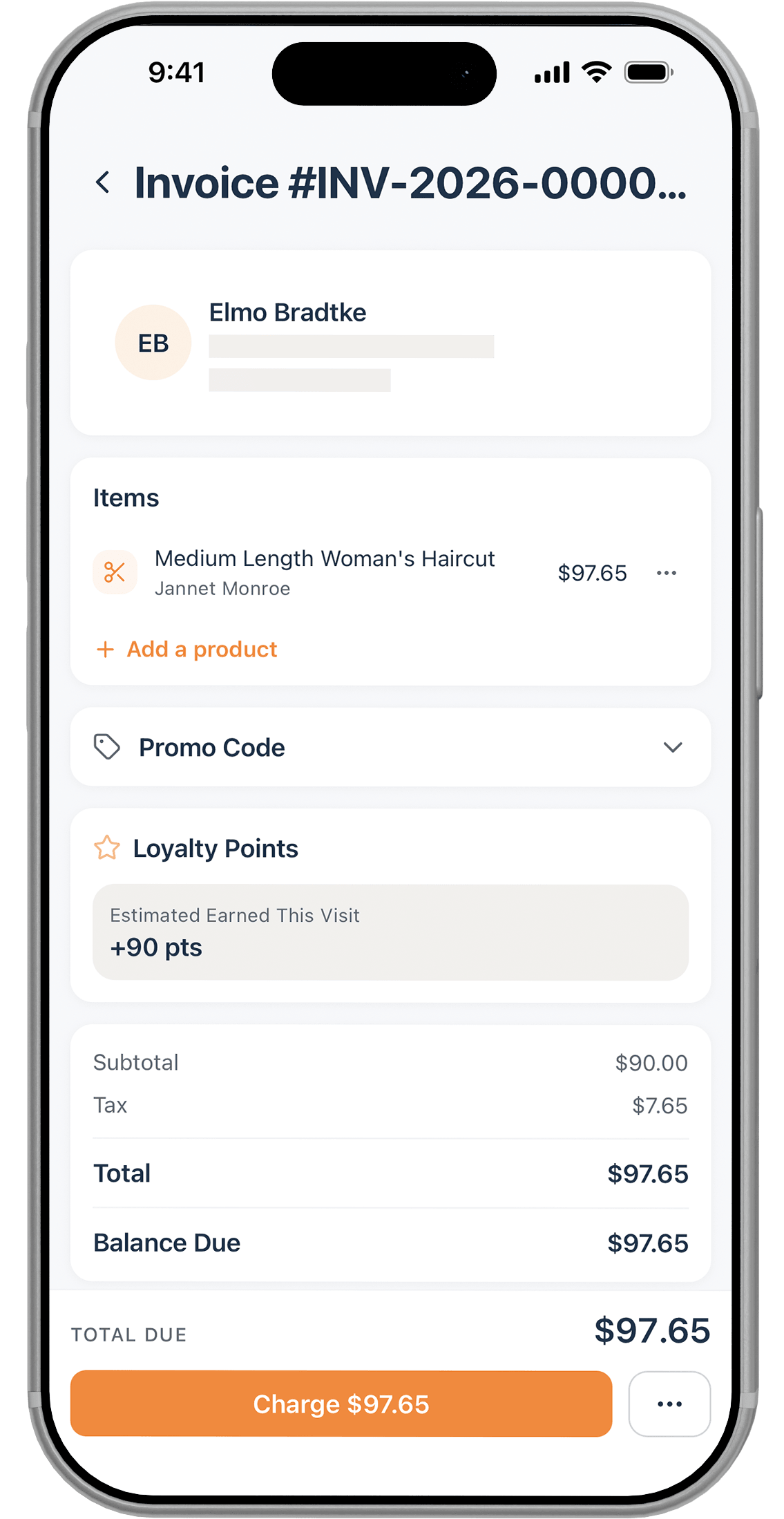
When you check a client out, Lilo creates a numbered invoice for that visit. You can add a retail product, apply a promo code, and see the tax and loyalty points before you take the payment.
- Add retail products to the invoice before you charge
- Apply a promo code, and see tax and points worked out
- Email the receipt from the paid invoice in one tap

Deposits
Take a deposit when they book
Open a service in your catalog, switch on Require Deposit, and enter the amount. Clients pay that when they book online and the rest when they come in. Set the amount to the full price of the service and they pay for the whole visit up front.
- Set a deposit amount on any service or package
- Charge the full price up front by setting the deposit to match it
- Or have the deposit rise on its own after a client no-shows
On file
Keep a card on file
Save a client's card when you check them out on your phone, or add it from their profile on the web. Next time you can charge it without asking for it again. Memberships use the same card and bill on their own schedule.
- Save more than one card, and set the default when you add it
- Memberships charge automatically on their billing date
- Charge a saved card when the client is not with you
Tips
Let the client add the tip
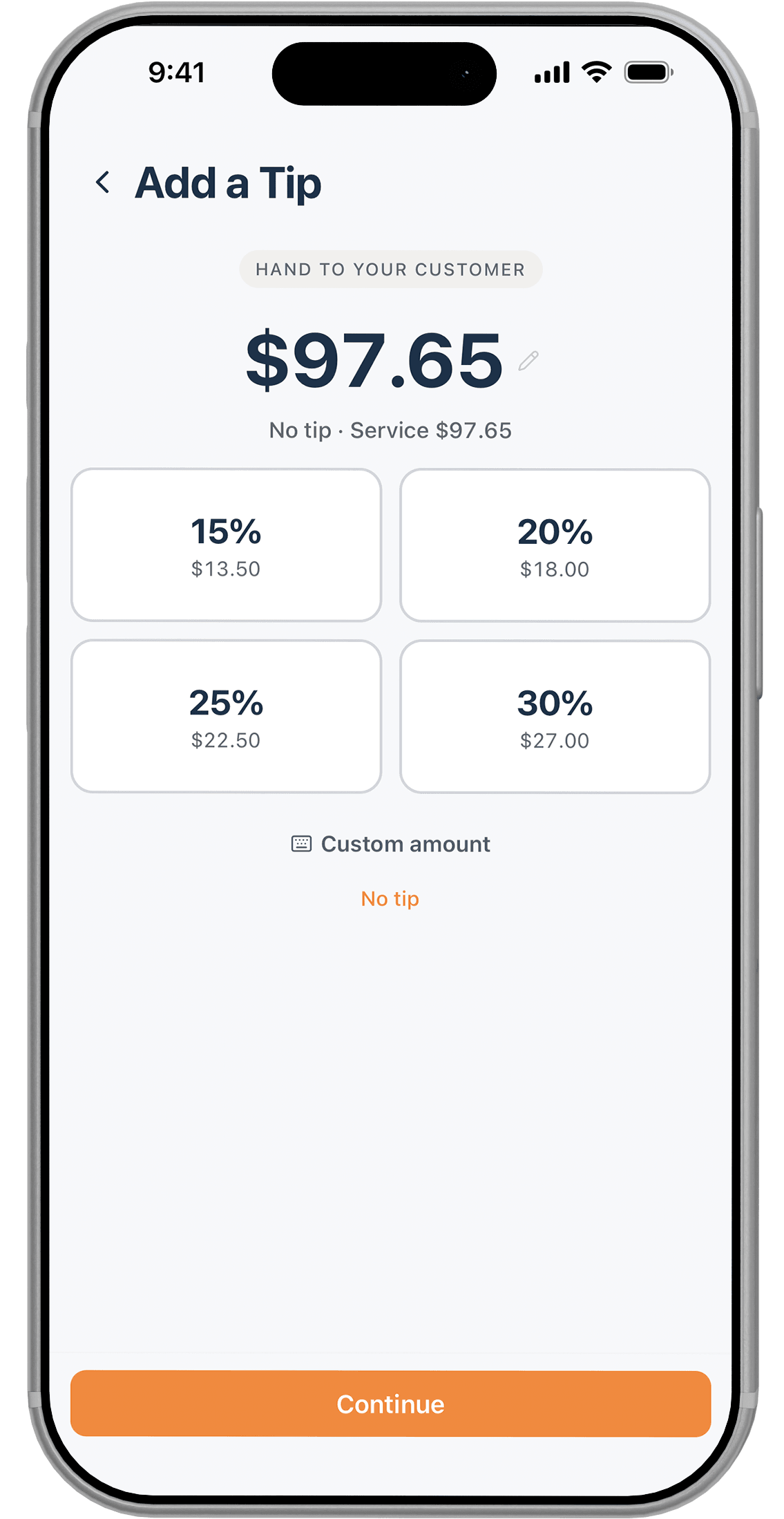
Before you take the payment, Lilo shows a tip screen you can turn around to the client. They pick a percentage or type their own amount, and the tip is recorded against whoever did the service.
- Preset tips of 15%, 20%, 25% and 30%, with the amount worked out
- Clients can enter their own amount or choose no tip
- Each tip is recorded against the provider who earned it
Rates
What payments cost you
Lilo processes payments through Stripe, and you pay Stripe's published rates. The rates are the same on Lilo Booth and Lilo Pro, and the money goes into your own Stripe account.